This article was prepared with AI assistance based on an analysis of the current Lumina Studio source code, existing Wiki content, and relevant workflows. It has been checked against the current version, but omissions or details that become outdated may remain as the software evolves. If you find an error or have a clearer explanation, example, or suggestion, please leave a comment on this page or propose an edit on GitHub.
Auto Dynamic Range
Auto Dynamic Range (Experimental) compresses source-image lightness into the range that the active LUT or Material Archive can reproduce. It runs before colour quantization and recipe matching.
The option is disabled by default.
Location
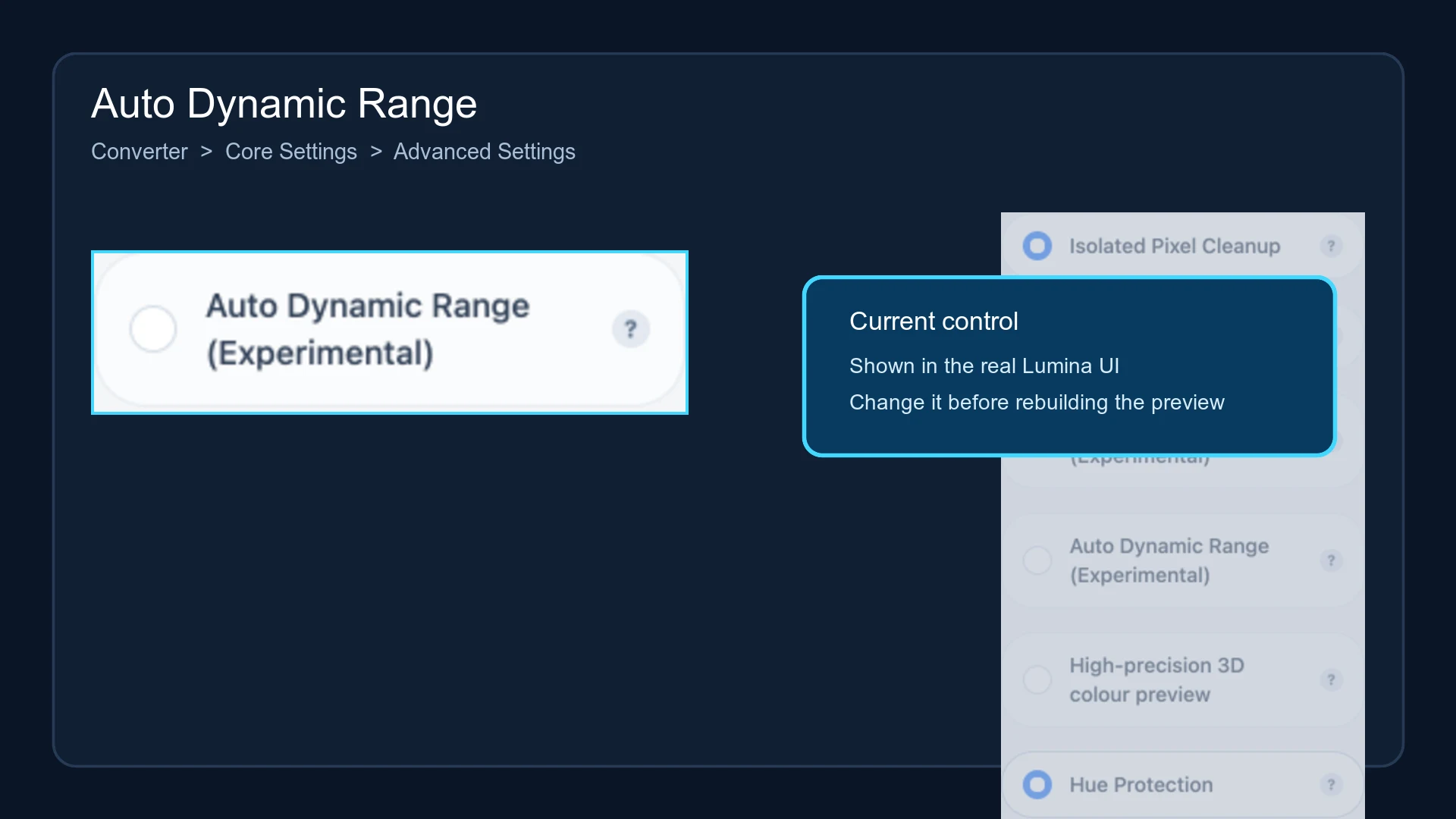
Open Converter → Core Settings → Advanced Settings, then locate Auto Dynamic Range (Experimental).
Processing order
When enabled, Lumina:
- reads the minimum and maximum CIELAB L* values from the active LUT or material palette;
- measures the L* range actually used by the source image;
- acts only when the target range is genuinely narrower;
- applies smooth toe and shoulder curves to shadows and highlights;
- keeps the a* and b* chroma channels, then continues to quantization and matching.
This is not a simple linear fade toward grey. Mild compression mainly rolls in both ends while preserving the midtone slope. When substantial compression is required, midtone contrast also decreases to fit the target range.
Automatic skip conditions
Lumina leaves the image unchanged when:
- the active colour source cannot provide a valid reachable lightness range;
- the reachable range is equal to or wider than the source range;
- the source spans less than 1 L* and is effectively flat in lightness;
- the target range is invalid or has no meaningful compression space.
An enabled switch with no visible preview difference is therefore not necessarily a failure.
Evaluating the result
Compare near-white highlights and near-black shadows. Compression can bring those regions into a range that the active materials can distinguish, but it may also reduce overall contrast. The option does not increase the LUT colour count or change material layer heights.
Changing the setting requires a new preview and model. The current Lumina recipe-card format does not persist this experimental switch.
Submit feedback
Your feedback is sent privately to the Wiki maintainers and is not displayed publicly on this page.