This article was prepared with AI assistance based on an analysis of the current Lumina Studio source code, existing Wiki content, and relevant workflows. It has been checked against the current version, but omissions or details that become outdated may remain as the software evolves. If you find an error or have a clearer explanation, example, or suggestion, please leave a comment on this page or propose an edit on GitHub.
Dark Chroma Gate
Dark Chroma Gate is a dependent parameter of Hue Protection. It determines which dark source pixels may enter the achromatic-dark candidate branch, reducing cases where black outlines or dark grey shadows acquire red, blue, or green colour casts.
It compares chroma. It does not change the lightness threshold that defines a dark pixel and it is not an image-wide saturation control.
Location
- Open Converter → Core Settings → Advanced Settings.
- Enable Hue Protection.
- The Dark Chroma Gate slider appears below it.
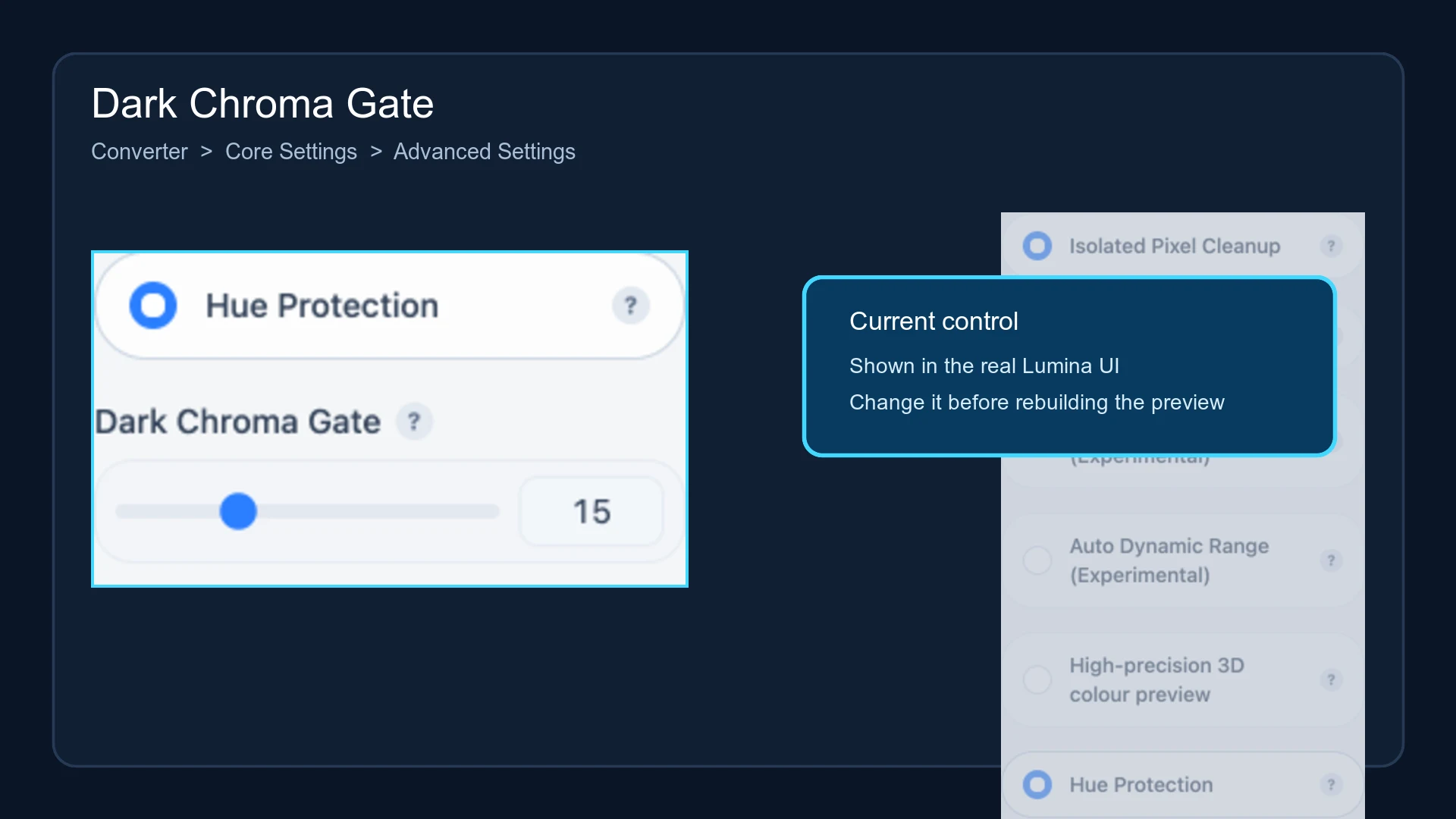
The range is 0–50, the step is 1, and the default is 15. Enabling Precise Colour Matching takes ownership of the candidate selection, disables Hue Protection, and hides this slider.
What the threshold compares
Lumina converts the source colour to CIELAB/LCh:
- L* represents lightness; lower values are darker.
- C represents chroma; low values are closer to black, white, or grey, while high values have a stronger hue.
At the default gate of 15, a source pixel inside the dark-lightness range and with C ≤ 15 can enter the dark protection branch. Pixels above the gate continue through normal hue-priority matching.
Current matching branches
Hue Protection first identifies achromatic dark LUT candidates, approximately those below L* 60 and at C ≤ 8. The source-pixel gate then decides whether matching should favour that candidate set.
| Source lightness | How the gate participates |
|---|---|
| Approximately L* < 50 | A source colour that passes the chroma gate is matched only against the achromatic-dark candidates |
| Approximately L* 50–70 | A passing source colour transitions between achromatic-dark and ordinary candidates |
| Approximately L* ≥ 70 | The dark branch is not used |
Moving the slider does not change these lightness boundaries.
Direction of the value
| Value | Meaning |
|---|---|
| 0 | Special state: every colour inside the dark-lightness range may enter the dark branch |
| Below 15 | Only more nearly achromatic dark colours enter |
| 15 | Default comparison point |
| Above 15 | A wider range of coloured dark pixels enters |
| 50 | Widest available gate; useful for diagnosis, not a universal recommendation |
A higher value therefore does not mean “only darker shadows.” It permits dark colours with more chroma to enter the achromatic branch. Raise it when grey or black details contain coloured speckles; lower it when intended dark reds, blues, or greens are being pushed toward grey.
To disable this logic, turn off Hue Protection. Do not set the gate to zero as an off switch.
Scope
The parameter is read by normal LUT colour-table matching, including applicable raster and native SVG paths. It is not applied when Hue Protection is off, when Precise Colour Matching is on, or when a Material Archive/predictive path uses its own solver without this gate.
Some of those source combinations may still display the slider in the current interface even though the active matching path does not consume it. That is a current implementation limitation rather than a cache failure.
Submit feedback
Your feedback is sent privately to the Wiki maintainers and is not displayed publicly on this page.