This article was prepared with AI assistance based on an analysis of the current Lumina Studio source code, existing Wiki content, and relevant workflows. It has been checked against the current version, but omissions or details that become outdated may remain as the software evolves. If you find an error or have a clearer explanation, example, or suggestion, please leave a comment on this page or propose an edit on GitHub.
Isolated Pixel Cleanup
Isolated Pixel Cleanup removes strict one-pixel recipe outliers after colour matching. It does not blur the image and it does not smooth every edge. A pixel is eligible only when its complete material stack differs from every valid neighbour around it.
The option is enabled by default.
Location
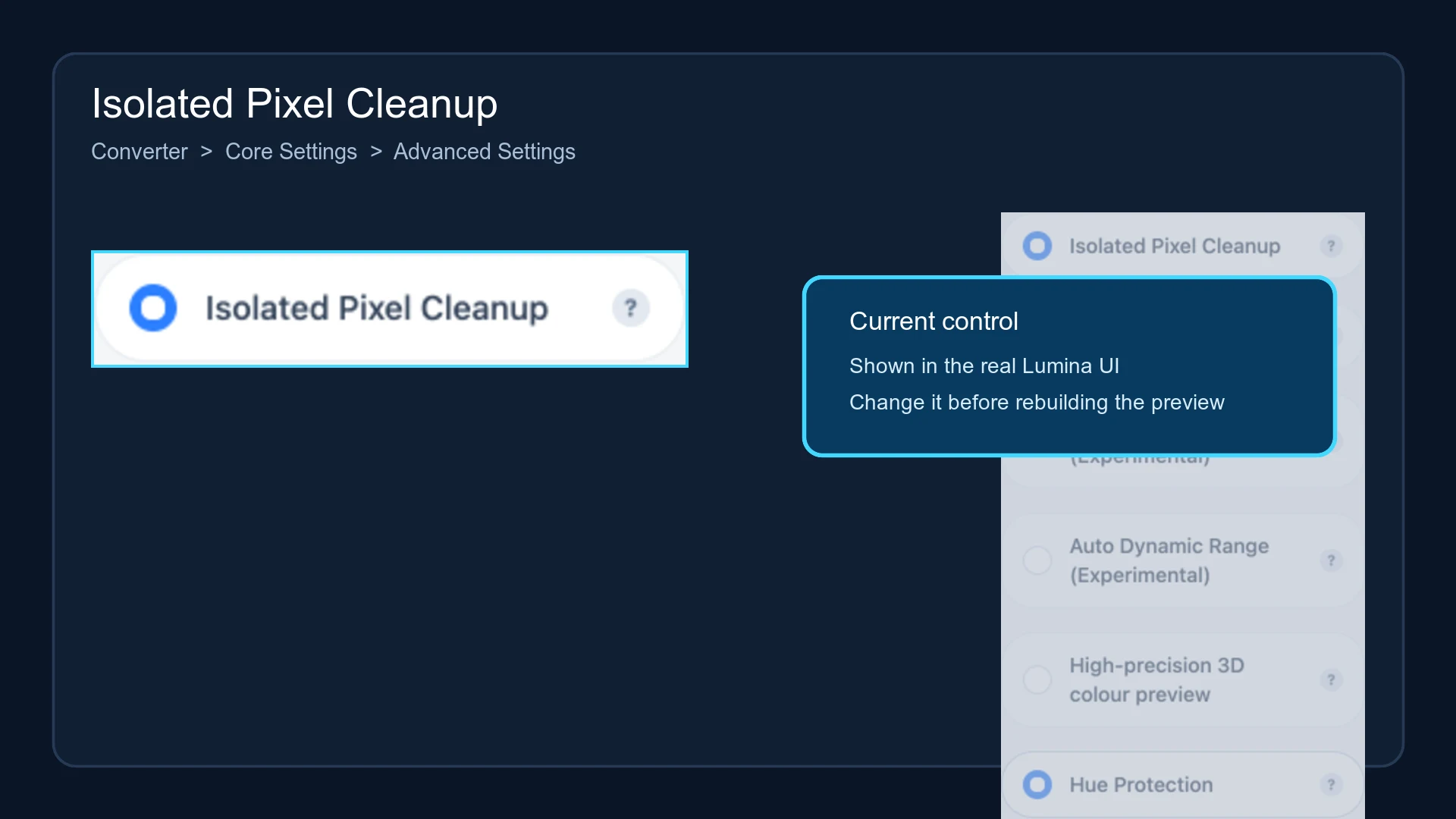
Open Converter → Core Settings → Advanced Settings, then locate Isolated Pixel Cleanup.
Cleanup rule
The cleanup runs after colours have been matched to printable material recipes. For every pixel, Lumina examines up to eight neighbours:
- It compares the complete material stack, not only the displayed RGB value.
- The current stack must differ from every valid neighbour to qualify as isolated.
- It finds the most common material stack among the neighbours.
- It copies both the stack and matched colour from a neighbour that owns that common stack.
The result therefore reuses an already valid recipe from the image. It cannot create a colour outside the active palette. Edge and corner pixels are evaluated against only the neighbours that actually exist.
What is not removed
- Two or more connected pixels with the same stack are not strict one-pixel outliers.
- A fine line or small region survives this rule when at least one neighbour uses the same stack.
- Large noisy regions, excessive source noise, or an unnecessarily high quantize budget require separate correction.
If many speckles remain, also check Quantize Colors, source noise, and final print dimensions.
Scope
The legacy LUT, predictive-matching, and Material Archive pixel pipelines use the same palette-preserving neighbour-copy rule. Native vector shapes are matched as vector objects and do not pass through this one-pixel cleanup.
Changing the option invalidates the previous 3MF and download result. Rebuild the preview and model before comparing results. Lumina recipe cards store this setting.
Submit feedback
Your feedback is sent privately to the Wiki maintainers and is not displayed publicly on this page.