This article was prepared with AI assistance based on an analysis of the current Lumina Studio source code, existing Wiki content, and relevant workflows. It has been checked against the current version, but omissions or details that become outdated may remain as the software evolves. If you find an error or have a clearer explanation, example, or suggestion, please leave a comment on this page or propose an edit on GitHub.
Model-Assisted Matching
Model-Assisted Matching appears only for an Inferred LUT brand package with a usable predictive model. It is not an image recognition model and does not alter the source artwork; it predicts layer recipes for target colours.
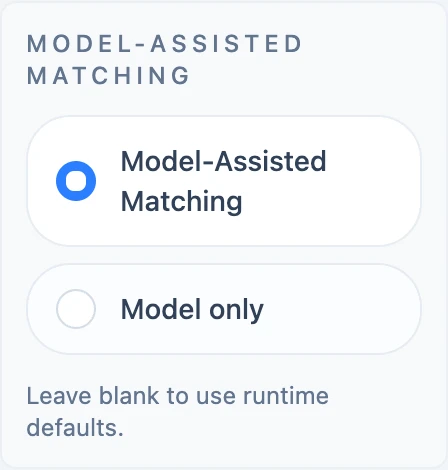
Model-Assisted Matching
Lumina Studio calculates both the nearest database candidate and the model candidate. The model replaces the database result only when both conditions hold:
- the database distance is above the model threshold; and
- model distance plus its safety margin is still lower than database distance.
This is not an “all colours use the model” switch. Strong measured database matches remain unchanged.
Model only
Model only skips the database baseline and uses the predictive result directly. It is useful for evaluating model coverage, but it is not guaranteed to outperform measured data. If no predictive runtime is available, these controls are not shown.
Threshold and margin
The current UI does not expose threshold and margin fields. Empty values use the predictive runtime defaults stored in the brand package. The code accepts explicit non-negative overrides for configuration and reproduction.
Changing either switch invalidates old output. Hold brand, databases, layer count, dimensions, and other colour controls constant when comparing previews.
Submit feedback
Your feedback is sent privately to the Wiki maintainers and is not displayed publicly on this page.