This article was prepared with AI assistance based on an analysis of the current Lumina Studio source code, existing Wiki content, and relevant workflows. It has been checked against the current version, but omissions or details that become outdated may remain as the software evolves. If you find an error or have a clearer explanation, example, or suggestion, please leave a comment on this page or propose an edit on GitHub.
Precise Colour Matching
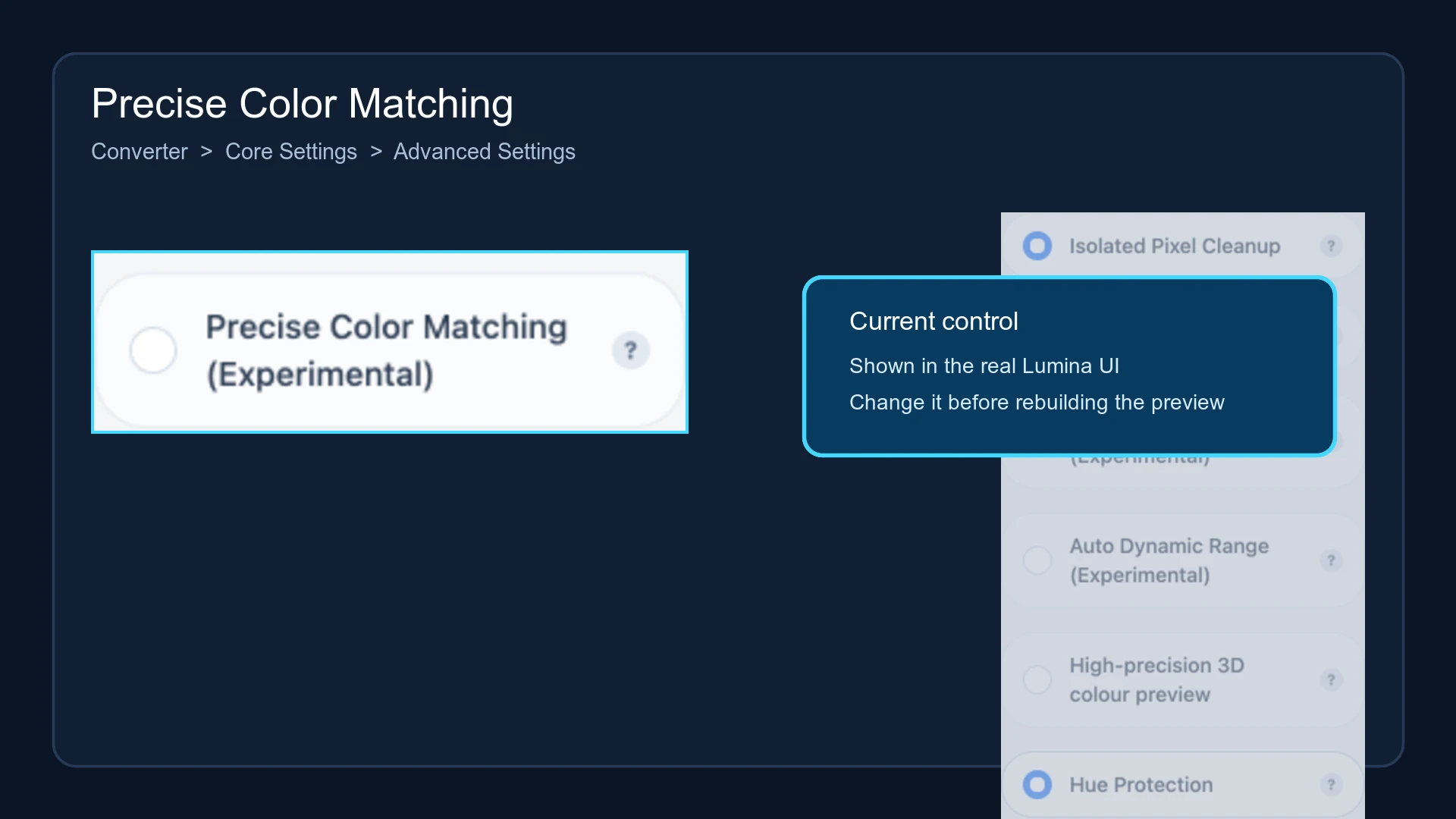
Precise Colour Matching (Experimental) constrains image-quantization centres to colours that exist in the active LUT. Ordinary quantization can create arbitrary RGB cluster centres and look those colours up afterwards. Constrained quantization makes each centre reachable by the current print system from the beginning.
The option is disabled by default.
Location
Open Converter → Core Settings → Advanced Settings, then locate Precise Colour Matching (Experimental).
Matching flow
When valid LUT colour samples and a colour-space index are available, the high-fidelity path:
- establishes the initial image clusters;
- constrains each cluster centre to a reachable colour recorded by the LUT;
- returns no more than the current Quantize Colors budget;
- uses the recipes associated with those reachable colours to build the preview and model.
If the LUT data required for constrained quantization is incomplete, Lumina falls back to ordinary quantization instead of stopping the conversion. Material Archives use their own recipe solver and do not depend on this switch.
Relationship with Hue Protection
Enabling Precise Colour Matching disables Hue Protection. The Hue Protection control becomes unavailable, and the processing request sets the independent hue weight to zero so the two candidate ranking rules cannot act at the same time.
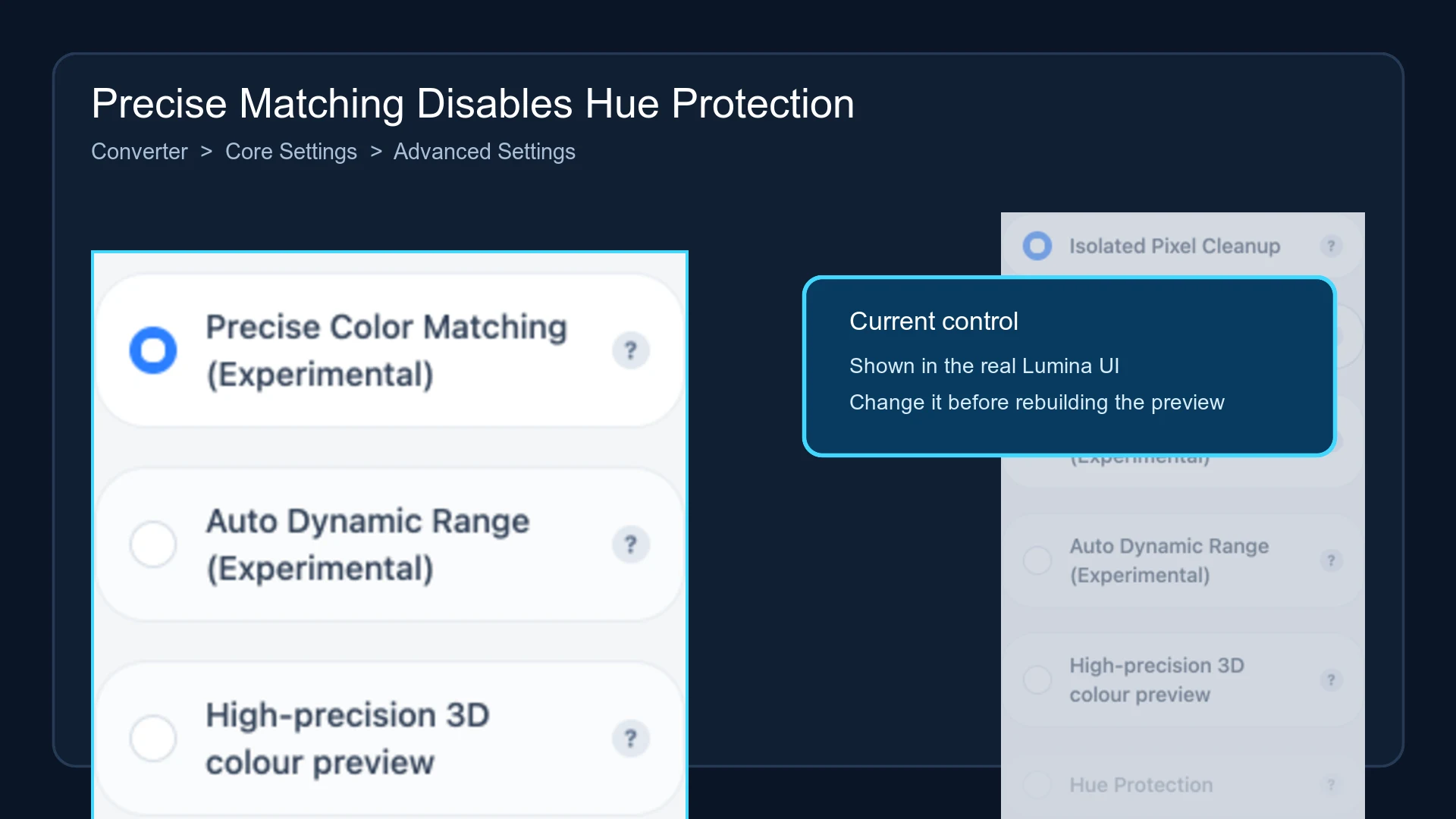
Turn Precise Colour Matching off before testing Hue Protection again.
Result and performance
The option can reduce cases where an unconstrained cluster looks appropriate on screen but later jumps to a different printable colour. The constrained clustering performs repeated nearest-neighbour queries against the reachable set, so it is normally slower than ordinary K-Means.
It cannot create a colour absent from the active LUT. Results are still limited by the LUT, Quantize Colors, image content, and available material layers.
Build a new preview after changing the option. The current Lumina recipe-card format does not persist this experimental switch, so verify it again after importing a recipe card.
Submit feedback
Your feedback is sent privately to the Wiki maintainers and is not displayed publicly on this page.