This article was prepared with AI assistance based on an analysis of the current Lumina Studio source code, existing Wiki content, and relevant workflows. It has been checked against the current version, but omissions or details that become outdated may remain as the software evolves. If you find an error or have a clearer explanation, example, or suggestion, please leave a comment on this page or propose an edit on GitHub.
Generate a LUT Calibration Board
A calibration board arranges the recipes of a colour mode as printable patches. After printing and photographing it, LUT Extractor can write the measured colours back into a LUT.
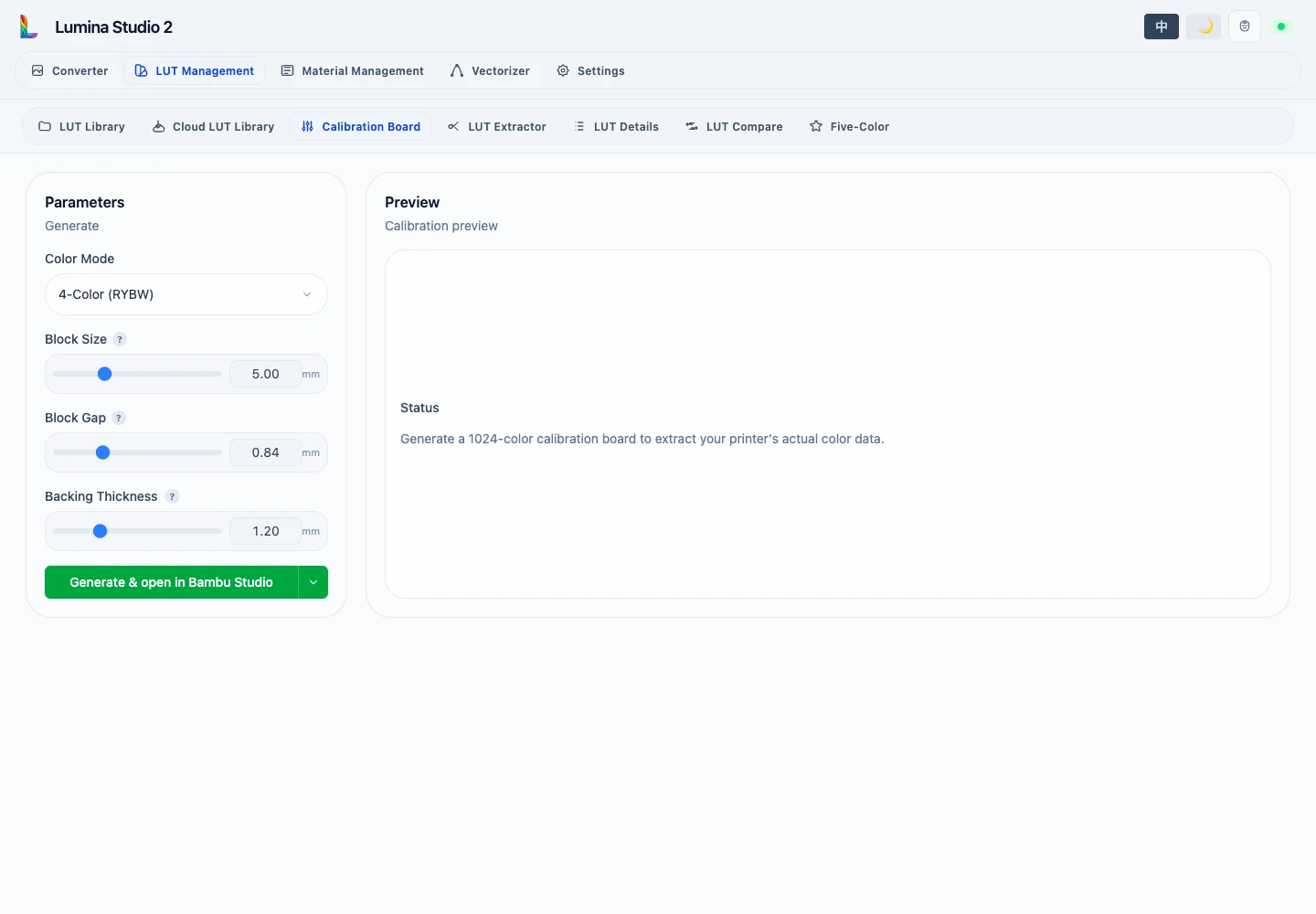
Parameters
- Colour Mode: selects the recipe set and page count; BW, 4-colour, 5-colour Extended, 6-colour, and 8-colour modes are supported.
- Patch Size:
3–10 mmin0.5 mmsteps. Larger patches are easier to photograph but enlarge the board. - Patch Gap:
0.4–2.0 mmin0.01 mmsteps. - Backing Thickness:
0.4–3.5 mmin0.08 mmsteps.
8-colour mode exposes Full Export. 5-colour Extended and 8-colour calibration may require multiple pages, so their result is delivered as a package rather than pretending every recipe fits one board.
Output
After generation, the right side shows the complete preview and per-layer images. Open a layer thumbnail to inspect it at full size. Slicer actions use the printer, nozzle, and slicer selected in System Settings.
The colour mode and page selected during extraction must match the generated board. Keep the positioning border intact and never combine photos from different calibration modes in one extraction session.
Next:
Submit feedback
Your feedback is sent privately to the Wiki maintainers and is not displayed publicly on this page.