This article was prepared with AI assistance based on an analysis of the current Lumina Studio source code, existing Wiki content, and relevant workflows. It has been checked against the current version, but omissions or details that become outdated may remain as the software evolves. If you find an error or have a clearer explanation, example, or suggestion, please leave a comment on this page or propose an edit on GitHub.
Cloud LUT Library
Cloud LUT Library reads an administrator-configured remote catalog and installs selected revisions into the local LUT library. It is optional: local LUTs remain available offline when the remote catalog is not configured or temporarily unavailable.
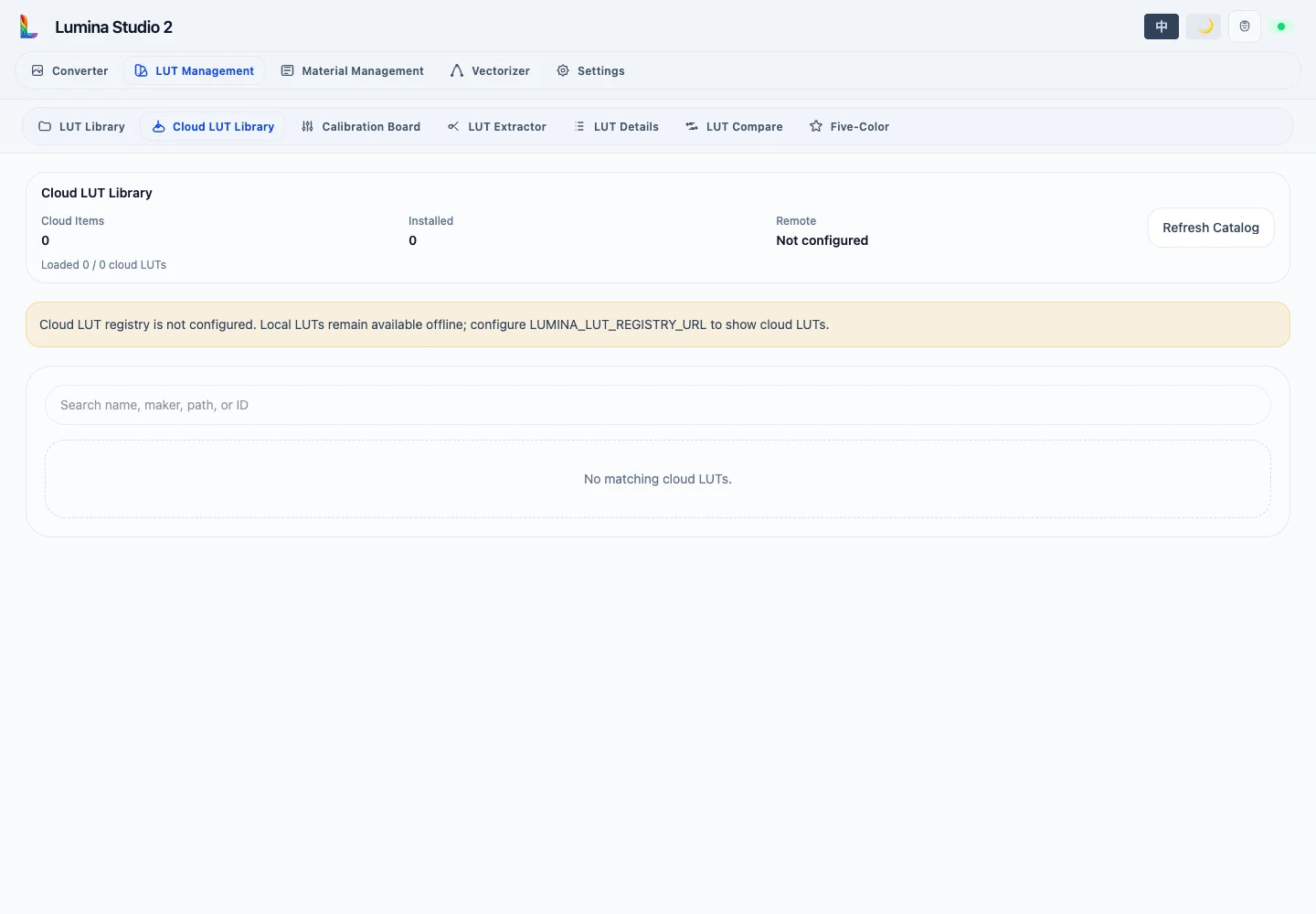
Catalog state
The header reports remote item count, installed count, active channels, and loaded entries. Each request loads up to 100 items. Load More appends the next offset and de-duplicates entries by LUT ID and revision ID.
Cards have three local states:
- Not installed: no local copy exists.
- Installed: the displayed revision is installed.
- Local revision available: a local copy exists, but it is not the displayed catalog revision.
Install downloads that revision and refreshes local state. The item then also appears in LUT Library.
Search checks LUT ID, revision ID, content hash, channel, display name, manufacturer, and compatible colour mode. It only filters catalog pages that have already been loaded.
continue with the local library.
Submit feedback
Your feedback is sent privately to the Wiki maintainers and is not displayed publicly on this page.