This article was prepared with AI assistance based on an analysis of the current Lumina Studio source code, existing Wiki content, and relevant workflows. It has been checked against the current version, but omissions or details that become outdated may remain as the software evolves. If you find an error or have a clearer explanation, example, or suggestion, please leave a comment on this page or propose an edit on GitHub.
LUT Details and Gamut Charts
LUT Details shows what a LUT actually declares about materials, colour mode, print structure, capabilities, and coverage. Do not decide compatibility from the filename alone.
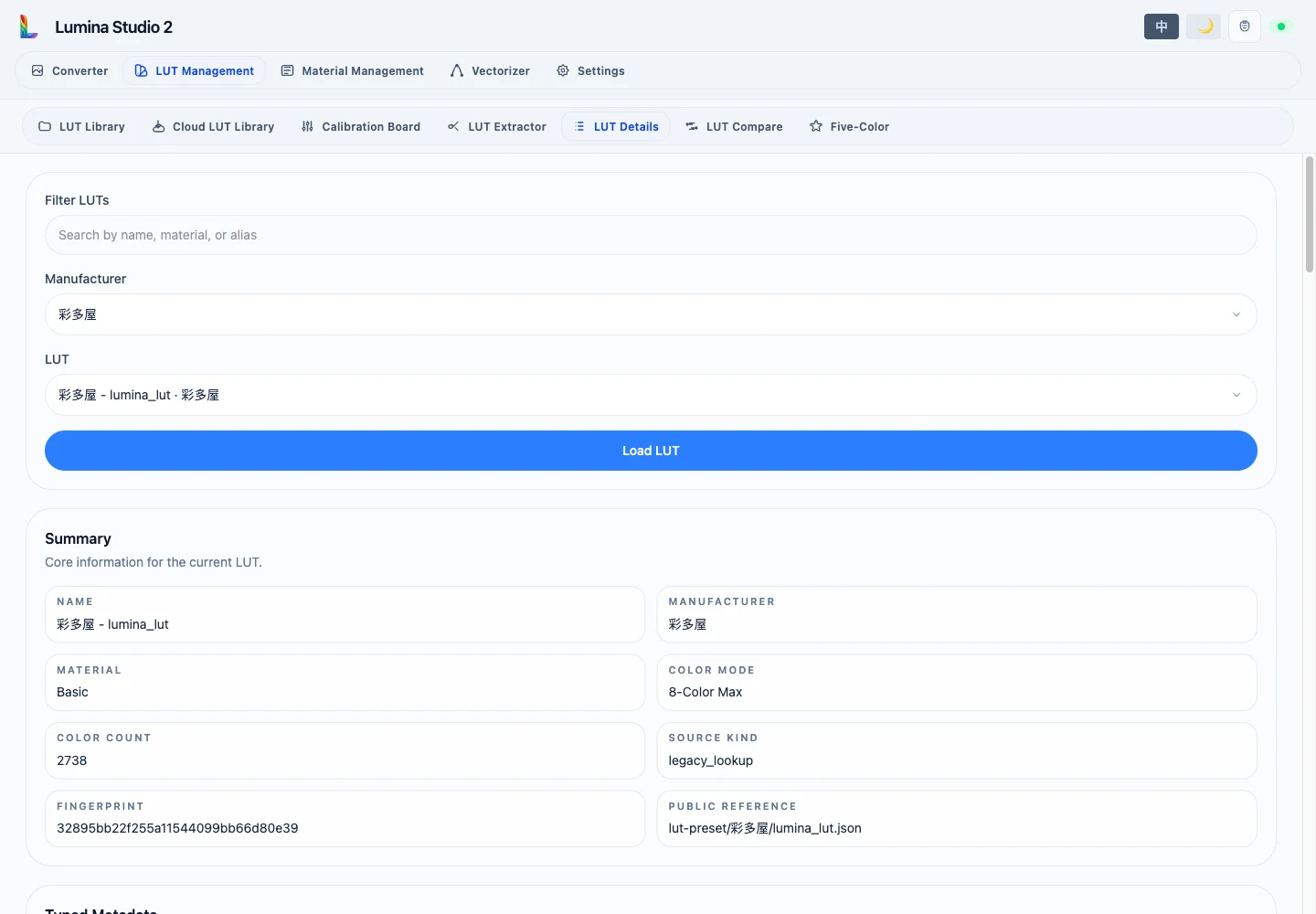
Summary and typed metadata
- Colour count is the number of drawable LUT records, not the base-material count.
- Source kind distinguishes traditional lookup data from predictive sources.
- Layer height, line width, maximum colour layers, base layers, and layer order describe the LUT's print structure.
- Base channel identifies the substrate channel index used by recipes.
- Capabilities declare predictive matching, dynamic height/count, or custom-recipe support.
- Supported modes enumerate explicitly supported layer-count and layer-height pairs.
Raw metadata retains additional source fields for diagnosing old or migrated files. Use the typed fields for normal selection decisions.
Palette
The palette maps channel index to colour name, material, and HEX. Load physical materials in that channel order instead of guessing slots from appearance.
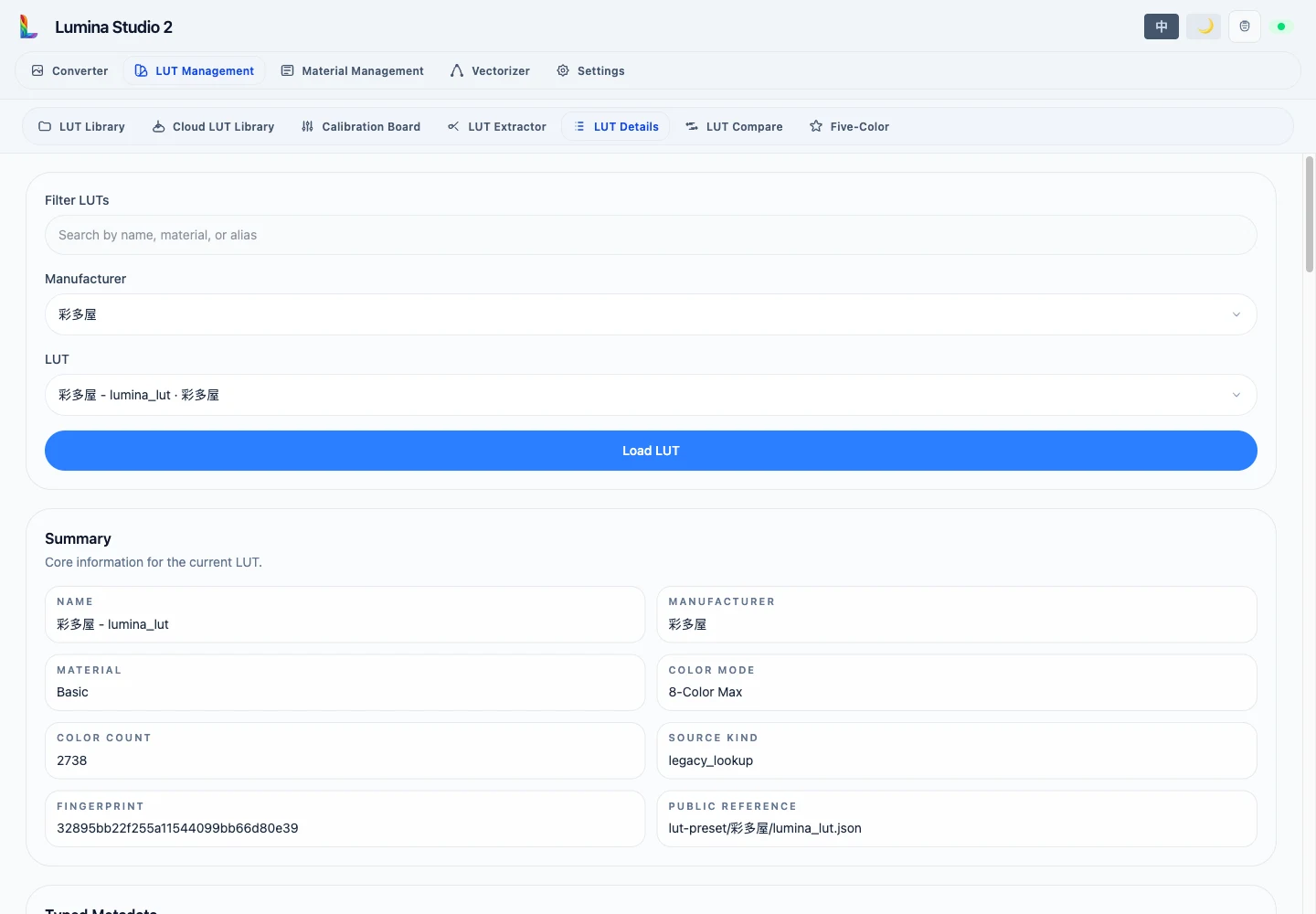
Charts
- Lab: 2D plots a*/b*; 3D adds L* and optional reference slices.
- RGB: plots records in the RGB cube.
- Hue–lightness: shows relative lightness bounds by hue.
- Hue–chroma: shows relative saturation reach by hue.
Neutral colours have no stable hue, so hue-dependent charts omit them while Lab/RGB statistics retain them.
Use LUT Compare to analyse two batches or calibrations.
Submit feedback
Your feedback is sent privately to the Wiki maintainers and is not displayed publicly on this page.