This article was prepared with AI assistance based on an analysis of the current Lumina Studio source code, existing Wiki content, and relevant workflows. It has been checked against the current version, but omissions or details that become outdated may remain as the software evolves. If you find an error or have a clearer explanation, example, or suggestion, please leave a comment on this page or propose an edit on GitHub.
Gradient Card Generation
Gradient cards measure how one material transmits and absorbs colour at different stack thicknesses and over different substrates. This page creates both the printable model and the Kit ZIP required by extraction.
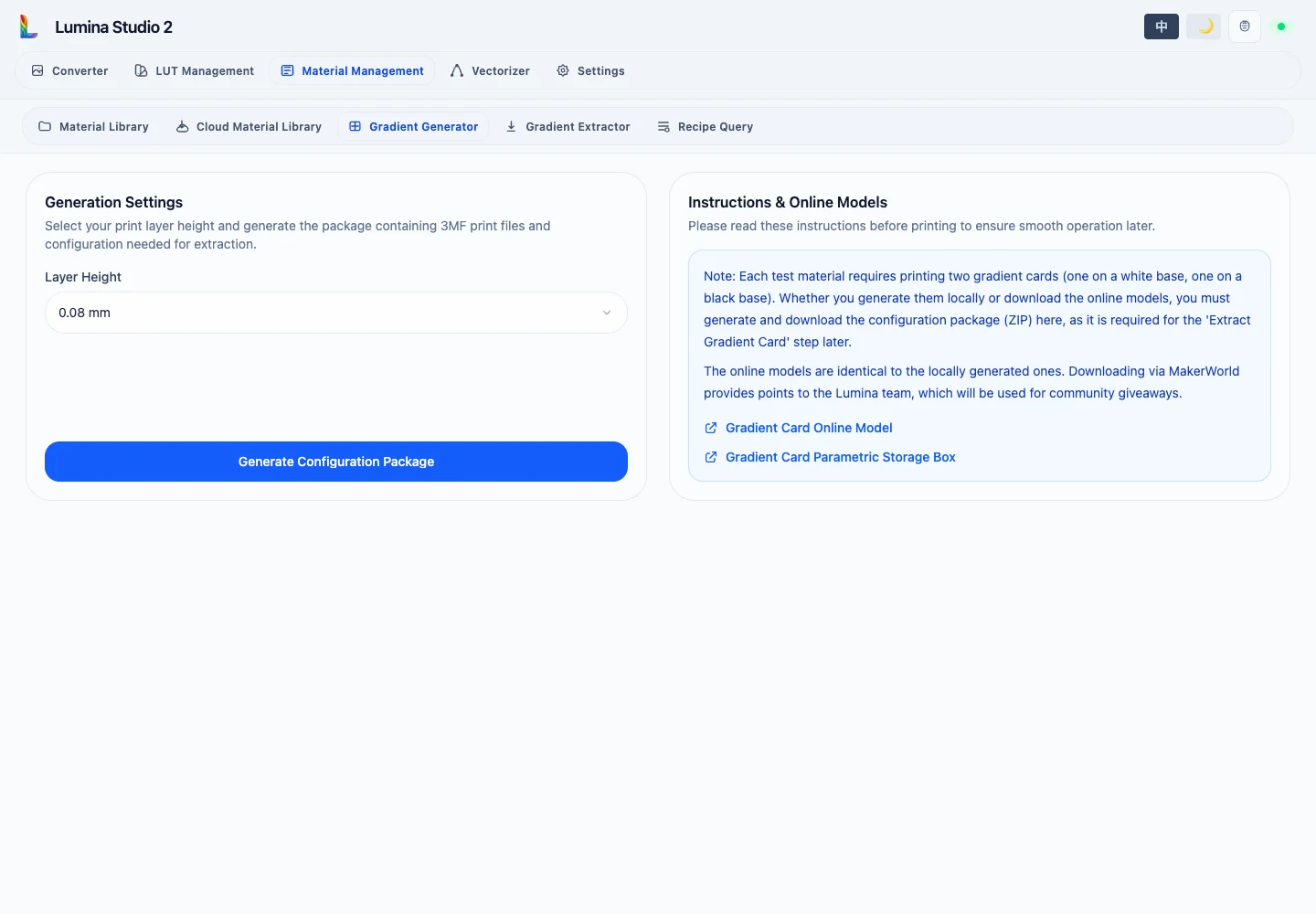
Available layer heights are 0.04 mm, 0.08 mm, and 0.10 mm. The selected value is written into the print jobs,
extraction configuration, and resulting material archive. Do not change it after printing; extraction follows the Kit
ZIP.
Generate Configuration Package creates the printable 3MF, card layout and layer-order configuration, extraction parameters, and instructions. Download the ZIP promptly.
Even when you obtain the identical 3MF from MakerWorld, extraction still requires the configuration package generated here.
Print two cards for every material under test:
- one over a white substrate;
- one over a black substrate.
Use the same test material, layer height, print profile, and orientation for both. The linked online model has the same geometry as the local model; the page also links to a parametric storage box.
- Lumina 2.0 trapezoid calibration card (0.08 mm layers)
- Parametric Lumina 2.0 gradient-card storage box
Continue with Gradient Card Extraction. Saved results appear in the Material Library.
Submit feedback
Your feedback is sent privately to the Wiki maintainers and is not displayed publicly on this page.