This article was prepared with AI assistance based on an analysis of the current Lumina Studio source code, existing Wiki content, and relevant workflows. It has been checked against the current version, but omissions or details that become outdated may remain as the software evolves. If you find an error or have a clearer explanation, example, or suggestion, please leave a comment on this page or propose an edit on GitHub.
Outline
Outline creates separate geometry outside the solid boundary of the artwork. It can strengthen a silhouette, frame an irregular model, or provide a more visible edge around an attachment.
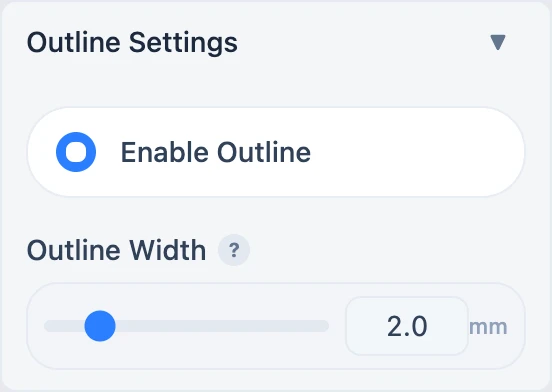
Outline Width
The range is 0.5–10 mm in 0.5 mm steps. Width is the outward expansion from the original boundary, not a line diameter. Large values can close narrow notches and round small corners.
The boundary comes from the current solid or vector geometry. Raster images with transparency normally use the alpha silhouette; SVG files use the parsed vector boundary. An empty usable boundary can produce no outline.
Interaction with other geometry
- When Transparent Coating is enabled, the outline extends down across the coating thickness.
- Outline and Separate Backing can coexist but appear as separate objects in the 3MF.
- Any width change requires a newly generated 3MF.
Inspect the outline object and sliced first layers, especially on artwork with semi-transparent background pixels.
Related: Transparent Coating and Bitmap vs vector.
Submit feedback
Your feedback is sent privately to the Wiki maintainers and is not displayed publicly on this page.