This article was prepared with AI assistance based on an analysis of the current Lumina Studio source code, existing Wiki content, and relevant workflows. It has been checked against the current version, but omissions or details that become outdated may remain as the software evolves. If you find an error or have a clearer explanation, example, or suggestion, please leave a comment on this page or propose an edit on GitHub.
Separate Backing
Separate Backing controls whether the backing mesh is merged into the base-colour object or written as its own object in the final model. It changes the 3MF object structure. It does not automatically make the backing thicker and it does not create another filament slot by itself.
The option is disabled by default.
Location
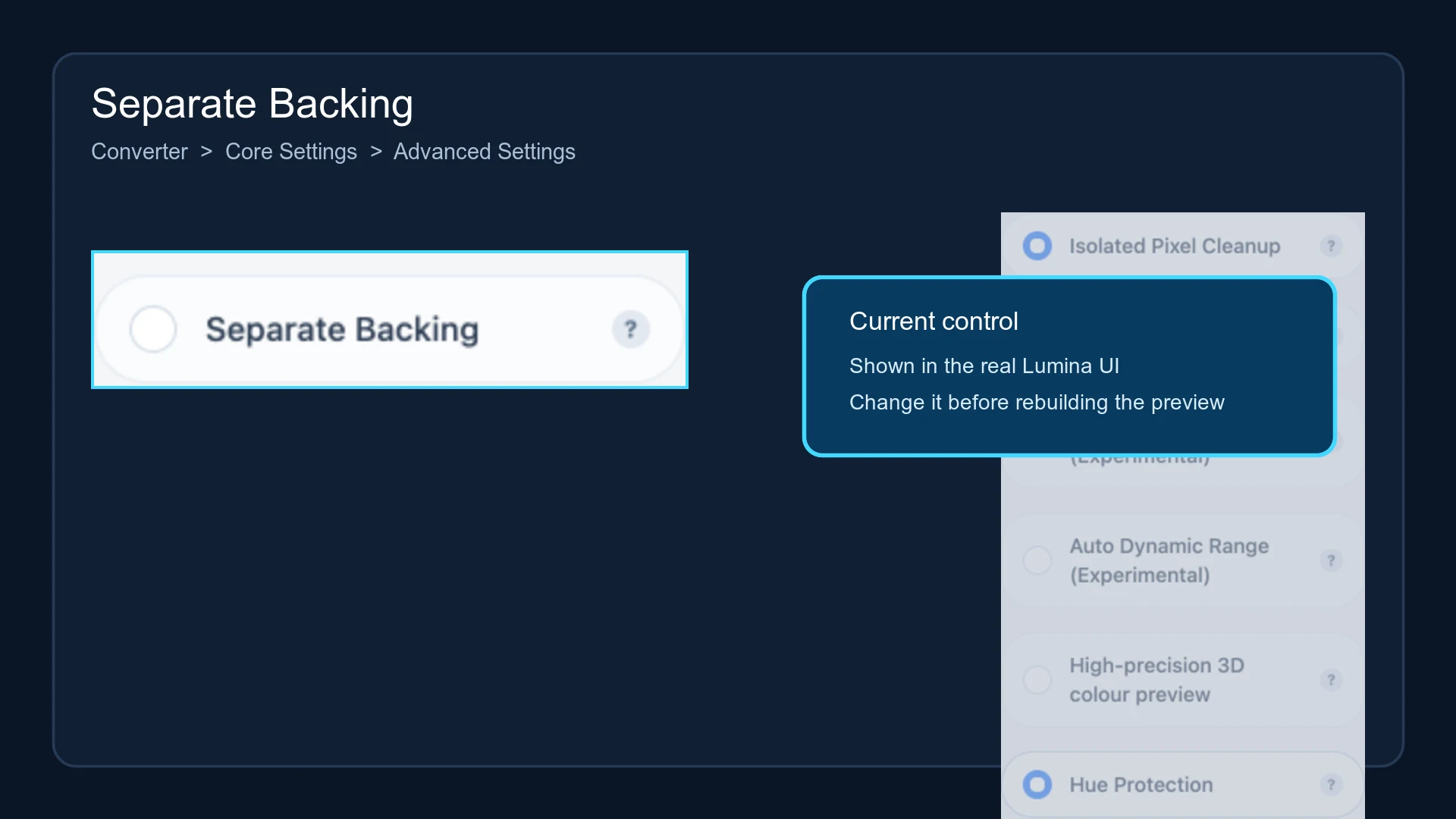
Open Converter → Core Settings → Advanced Settings, then locate Separate Backing.
When disabled
The backing is merged into the object that uses the selected backing material. A slicer normally presents it together with image geometry assigned to the same material, which keeps the object list simpler.
When enabled
Lumina preserves a separate backing mesh:
- raster and high-fidelity models use a separate object named
Backing; - native vector models use a separate object named
Board; - the object retains the selected backing-material metadata;
- an independent object does not mean an additional material slot;
- large-format generation applies the same rule to every valid tile.
After importing the project into a slicer, verify that the backing object is present and mapped to the intended filament. Slicers group multi-object projects differently, so do not rely only on the colours shown on the build plate.
Preview and regeneration
The normal 2D colour preview shows the colour-matching result and is not authoritative for backing separation. The regenerated 3MF and the slicer's object list are the source of truth.
Changing this option requires a new model build. Lumina recipe cards store the setting.
Typical uses
- Select, hide, or inspect the backing independently in a slicer.
- Treat the backing as a separate part during post-processing.
- Satisfy a printer or slicer workflow that manages backing and image objects separately.
If the backing does not require independent handling, leaving the option off produces a simpler object list.
Submit feedback
Your feedback is sent privately to the Wiki maintainers and is not displayed publicly on this page.