This article was prepared with AI assistance based on an analysis of the current Lumina Studio source code, existing Wiki content, and relevant workflows. It has been checked against the current version, but omissions or details that become outdated may remain as the software evolves. If you find an error or have a clearer explanation, example, or suggestion, please leave a comment on this page or propose an edit on GitHub.
Transparent Coating
Transparent Coating adds a separate Coating object outside the display face. It is not automatically assigned a real transparent filament; map the object to the transparent material you intend to print in your slicer.
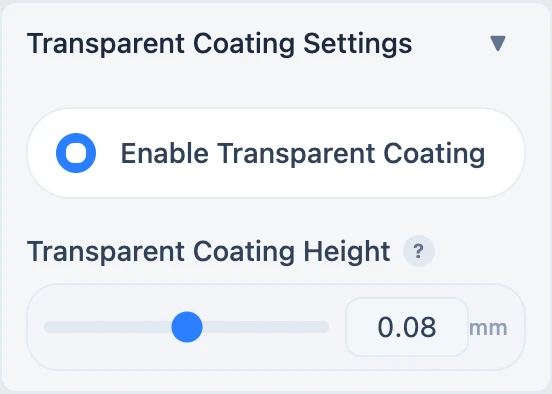
Coating height
The interface offers 0.04, 0.08, and 0.12 mm, with 0.08 mm as the default. The generator cannot create a
fractional layer: it divides coating height by the active model layer height, rounds the result, and keeps at least one
layer. Effective thickness is therefore complete layers × model layer height; the UI value is a request, not a
guarantee that the slicer will receive that exact physical thickness.
For example, with a 0.08 mm model layer height, a 0.04 mm request still becomes one 0.08 mm layer, while a 0.12 mm request becomes two layers, or 0.16 mm. Use an exact multiple of the active layer height when physical thickness matters.
Coating follows the model silhouette. When Outline is enabled, coverage expands over the outline edge as well.
Why the coating may disappear after slicing
Coating is generated outside the model's bottom face and can initially sit below the build plate. The slicer may show the object in its list while omitting the below-bed geometry.
Select the complete model, use Place on Bed or Auto Arrange, then slice again. Verify that the first layer contains the transparent-material path.
Transparent PETG is a common option, not a required brand or material. Test material compatibility and temperatures on a small sample first.
Submit feedback
Your feedback is sent privately to the Wiki maintainers and is not displayed publicly on this page.