This article was prepared with AI assistance based on an analysis of the current Lumina Studio source code, existing Wiki content, and relevant workflows. It has been checked against the current version, but omissions or details that become outdated may remain as the software evolves. If you find an error or have a clearer explanation, example, or suggestion, please leave a comment on this page or propose an edit on GitHub.
High-precision 3D Colour Preview
High-precision 3D Colour Preview raises the number of colour meshes retained in the browser's GLB preview. It does not add printable recipes and it does not add colours that were absent from the conversion result.
The option is disabled by default.
Location
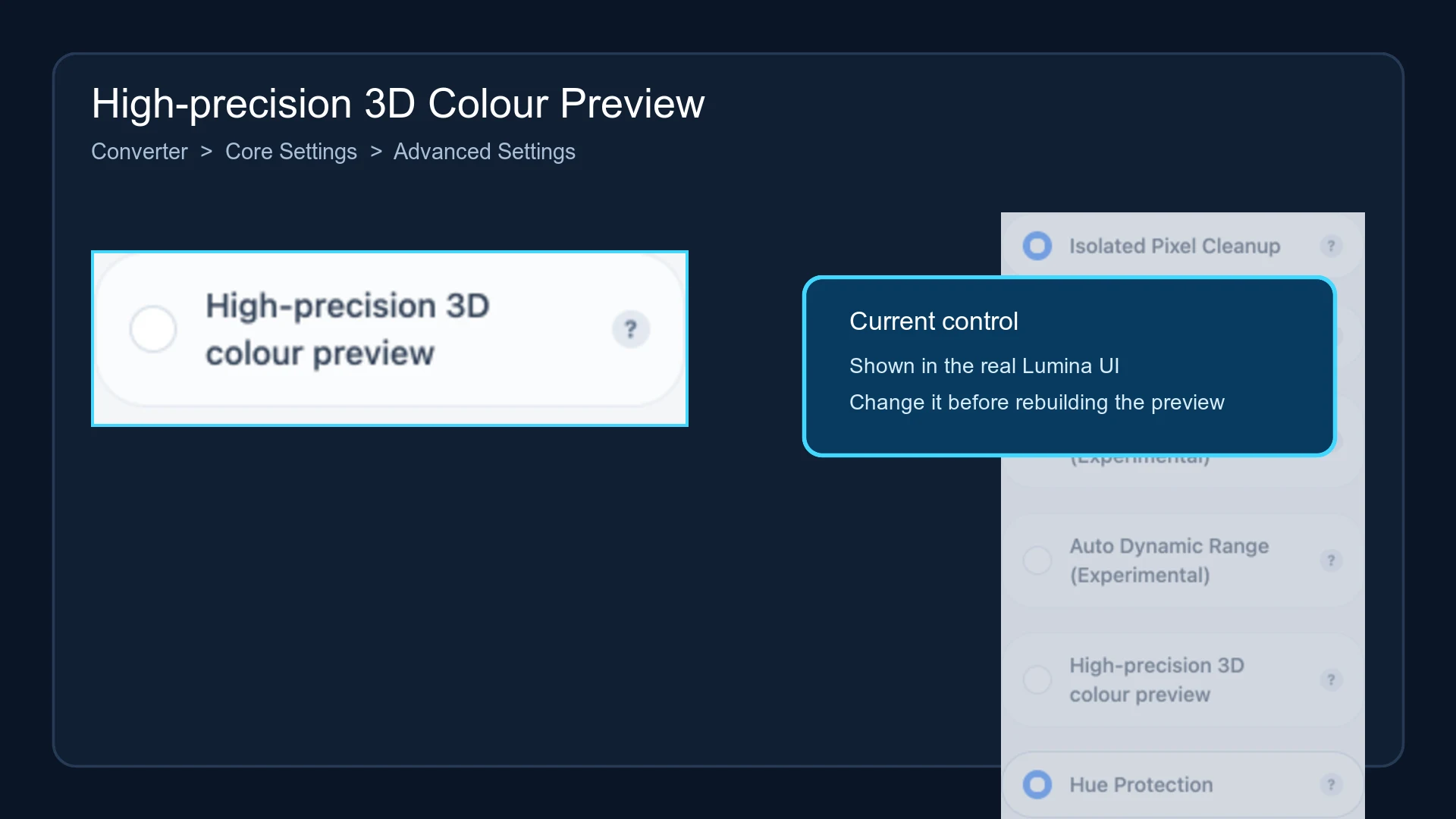
Open Converter → Core Settings → Advanced Settings, then locate High-precision 3D colour preview.
Default preview budget
The ordinary 3D preview retains at most 128 colour meshes. When the result exceeds that limit, Lumina keeps the most frequent colours and merges low-frequency colours into their nearest retained colour in colour space. This controls the number of meshes the browser must render.
Budget when enabled
If Quantize Colors is above 128, enabling this option raises the GLB budget to the current quantize value.
| Quantize Colors | Normal preview budget | High-precision preview |
|---|---|---|
| 64 | 128 | 128; normally unchanged |
| 128 | 128 | 128 |
| 256 | 128 | 256 |
| 512 | 128 | 512 |
Pixel Art mode already uses the current quantize value as its preview budget, so the switch may not make an additional difference in that mode.
Performance impact
More colour meshes increase GLB size, contour extraction, mesh construction, browser upload time, memory use, and Three.js rendering work. Combining a very high quantize value with the high-precision preview can materially increase both RAM and GPU-memory usage.
The option does not change the 2D colour preview or the material recipes in the 3MF. Use the slicer as the source of truth for printable structure.
Changing the option invalidates the existing 3D preview and generated result. Lumina recipe cards store this setting.
Submit feedback
Your feedback is sent privately to the Wiki maintainers and is not displayed publicly on this page.